Getting Started with reply.cash | Connect Wallet & Send Payments
Connect with Solana Wallet or Create One
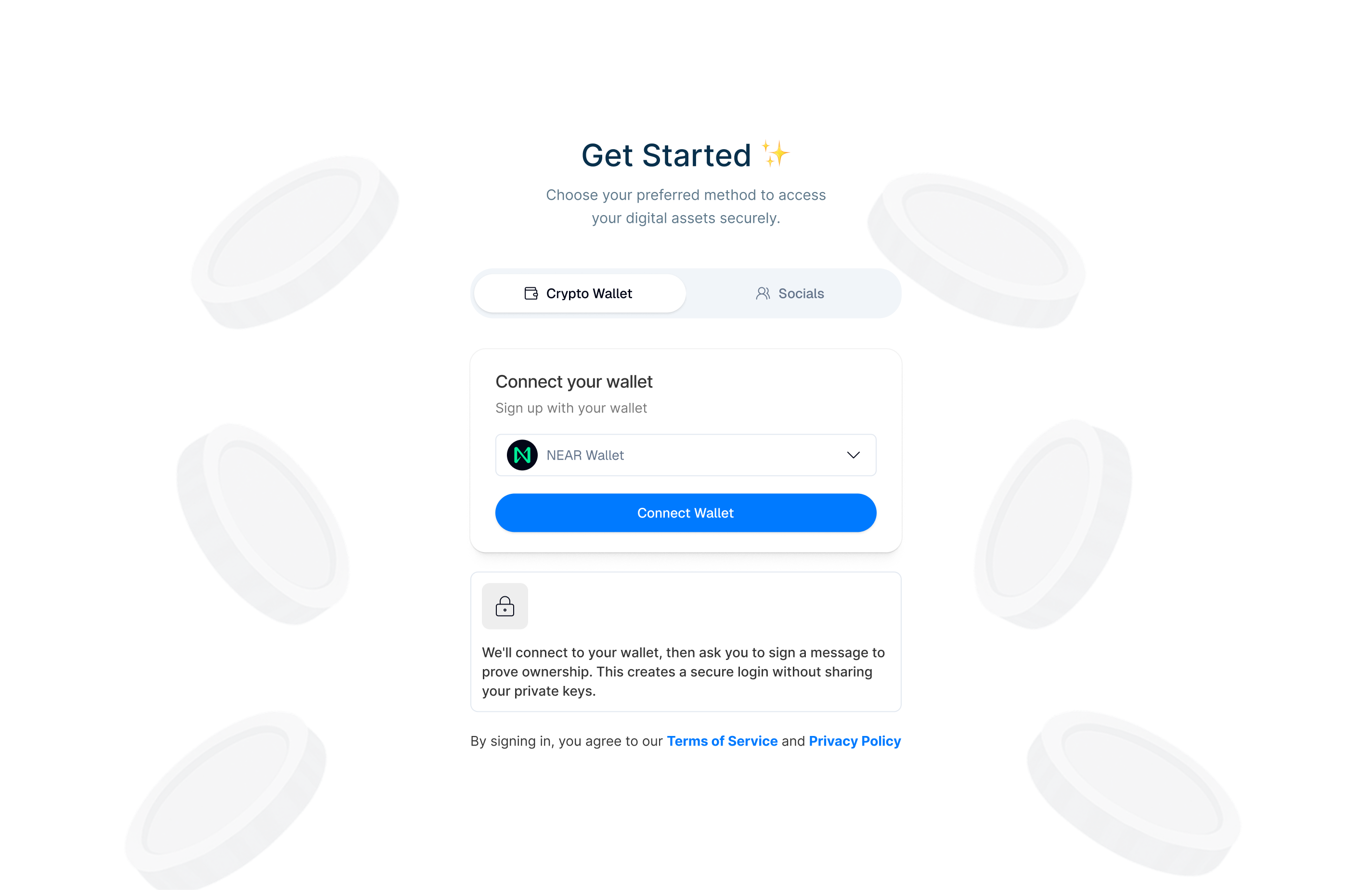
Connect an Existing Solana Wallet
- Open app.reply.cash.
- Tap "Connect Wallet".
- You'll see a list of supported Solana wallets:
- Select your wallet from the list.
- Approve the connection request in your wallet app.
- Your wallet is now connected and ready to use.
Create a New Wallet
If you don't have a Solana wallet yet:
- Open app.reply.cash.
- Tap "Create New Wallet".
- Follow the prompts to set up your account.
- Write down your recovery phrase in the exact order shown and store it securely.
- Confirm your recovery phrase when prompted.
- Set a PIN code or enable biometrics.
- Your wallet is now ready to use.
Always store your recovery phrase in a secure location. Never share it with anyone. If you lose your recovery phrase, you will lose access to your wallet and funds.
Ready to Send Payments
After connecting your wallet and topping up your USDC balance, you're ready to send payments to mobile money accounts and banks. No additional account linking is required - just select the recipient's country and payment method.
Why use reply.cash? Spend crypto like cash, anywhere. No need to register mobile money numbers everywhere you go - keep a crypto balance and pay with local rails instantly. Save on fees, use any supported chain and asset, and enjoy privacy benefits without revealing your location through mobile money registration. Learn more about the benefits →
Top Up Your Stablecoin Balance
To start sending payments, you need USDC on Solana in your wallet:
Option 1: Swap Using Jupiter
- In the app, navigate to "Top Up" or "Add Funds".
- Select "Swap" or "Buy with Jupiter".
- Choose the token you want to swap from.
- Enter the amount you want to convert to USDC.
- Review the swap details and confirm.
- Your USDC balance will be updated after the swap completes.
Option 2: Direct Transfer
- Get your Solana wallet address from the app.
- Send USDC directly to your wallet address from another wallet or exchange.
- Your balance will update once the transaction is confirmed (usually 1-2 seconds).
Option 3: Cross-Chain Topups
Top up your Solana wallet from other blockchains. Transfer USDC/USDT from Ethereum, Polygon, Arbitrum, Base, and 25+ other chains directly to your Solana wallet.
→ See complete guide: Cross-Chain Topup
Option 4: Fiat Onramps
Buy USDC directly with fiat currency (M-Pesa, Apple Pay, cards, and more). Convert local currency to USDC and top up your Solana wallet instantly.
→ See complete guide: Onramping - All onramp methods
Available now:
- 🇰🇪 M-Pesa (Kenya) - Buy with STK Push
Coming soon:
- 🍎 Apple Pay
- 💳 Credit/Debit Cards
- 🌍 More mobile money providers
Option 5: Swap Existing Tokens
If you already have crypto (SOL, USDT, etc.) in your Solana wallet, swap it directly to USDC using Jupiter swaps.
Quick method: Click on any token balance on your home page → Click "Swap" → Swap to USDC
→ See complete guide: Swapping Tokens - Convert any token to USDC
You only need USDC in your wallet! reply.cash uses the Kora relayer to automatically pay SOL gas fees from your USDC balance (with a 10% margin). No SOL needed - just top up USDC and start sending. Learn more about gas fees →
Start Sending
Once your wallet is connected and you have USDC balance, you can start sending payments in three ways:
1. Private Transfers
Send private, anonymous transactions using PrivacyCash:
- Navigate to "Send" in the app.
- Select "Private Transfer" or "Privacy Mode".
- Enter the recipient's wallet address.
- Enter the amount you want to send.
- Select USDC, USDT, or SOL from PrivacyCash pools.
- Review and confirm the transaction.
Private transfers use PrivacyCash pools to ensure transaction privacy. This feature is coming soon.
2. Cross-Chain Transfers
Send payments across different blockchains:
- Navigate to "Send" in the app.
- Select "Cross-Chain Transfer".
- Choose the destination blockchain (25+ chains supported).
- Enter the recipient's address on the destination chain.
- Enter the amount you want to send.
- Select the asset (USDC, USDT, etc.).
- Review and confirm the transaction.
Supported Chains Include:
- EVM Chains (Ethereum, Arbitrum, Base, Polygon, BNB, etc.)
- Bitcoin, Litecoin, Doge
- Solana, NEAR, Sui, TON, Tron, XRP, Stellar
- Cardano, ZCash (partially supported)
For a complete list, see Supported Chains & Assets.
3. Local Payment Rails
Send payments through local mobile money and banking rails:
- Navigate to "Send" in the app.
- Select "Local Payment Rails" or "Mobile Money".
- Choose the recipient's country.
- Select the payment method:
- Kenya: Safaricom, Airtel, or All Banks
- DR Congo: Airtel Money, Mpesa, or Orange Money
- Uganda: MTN or Airtel
- Malawi: Airtel or TNM Mpamba
- Nigeria: All Banks
- Ghana: MTN, AirtelTigo, or Telecel
- Enter the recipient's phone number or account details.
- Enter the amount (automatically converted to local currency).
- Review and confirm the transaction.
Payments are automatically settled on local rails, and recipients receive a receipt for proof.
When sending through local payment rails, your USDC is automatically converted to the local currency at the current exchange rate.
Navigating the Home Screen
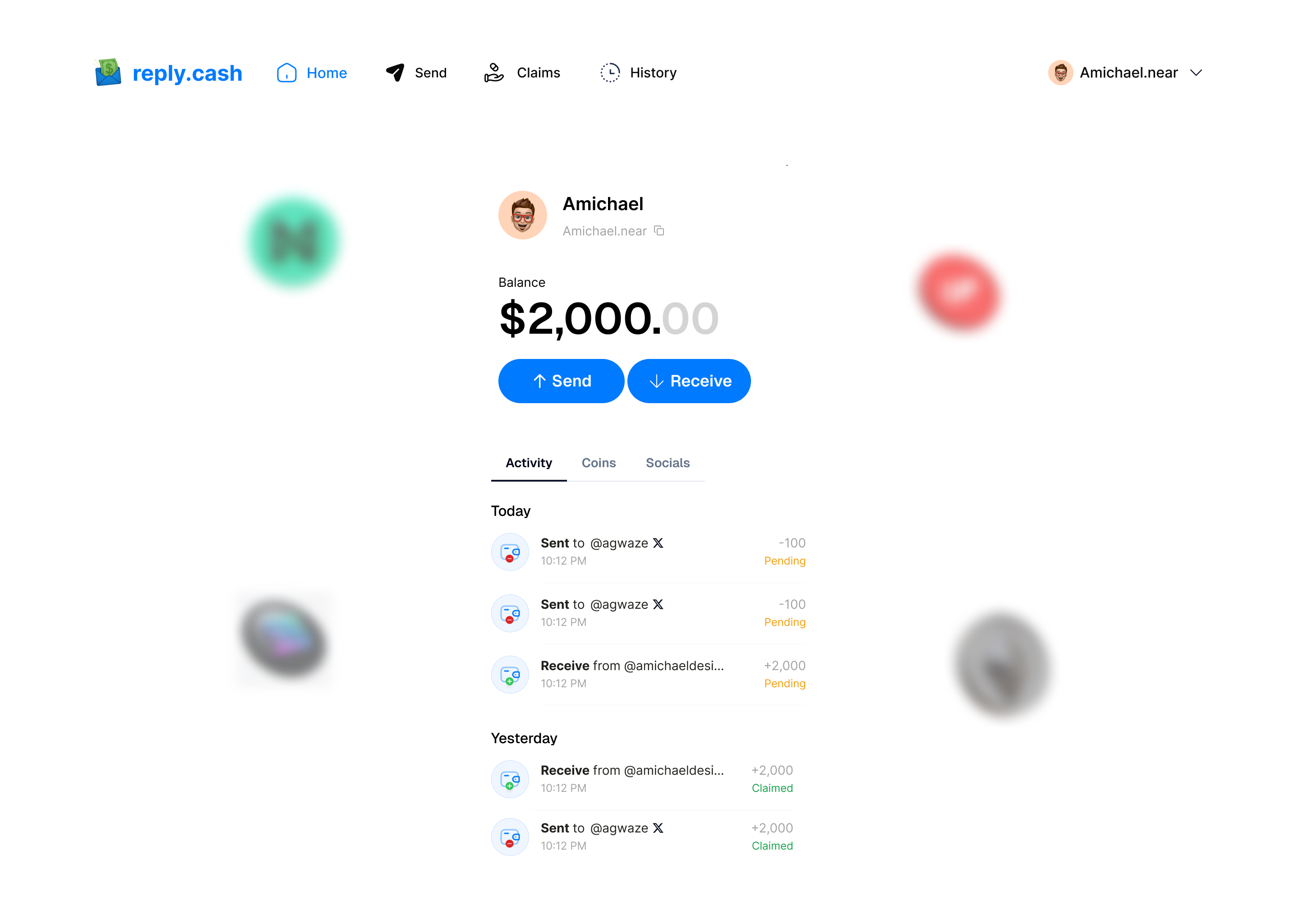
Your home screen displays:
- Current balance in USD (your USDC balance)
- Recent transactions history
- Quick actions: Send, Receive, Claim
- Navigation menu for additional features
Next Steps
- Learn more about Sending Money - Send to mobile money and banks
- Understand Receiving Money - How recipients receive funds
- Check Supported Platforms - All countries and payment methods
- Review FAQ for common questions
- Explore Country-Specific Guides - Detailed guides for each country