How to Send Money | Send USDC/USDT via Mobile Money | reply.cash
Send to Mobile Money or Bank Accounts
Why send via mobile money?
- No wallet required for recipients - Funds arrive directly in their mobile money or bank account
- Instant settlement - Payments process in 1-5 minutes for mobile money
- Lower fees - Typically under 2% compared to 3-8% for traditional remittances
- Privacy benefits - Recipients don't need to register mobile money numbers
- Universal balance - One crypto balance works across all supported countries
Send to mobile money or bank accounts
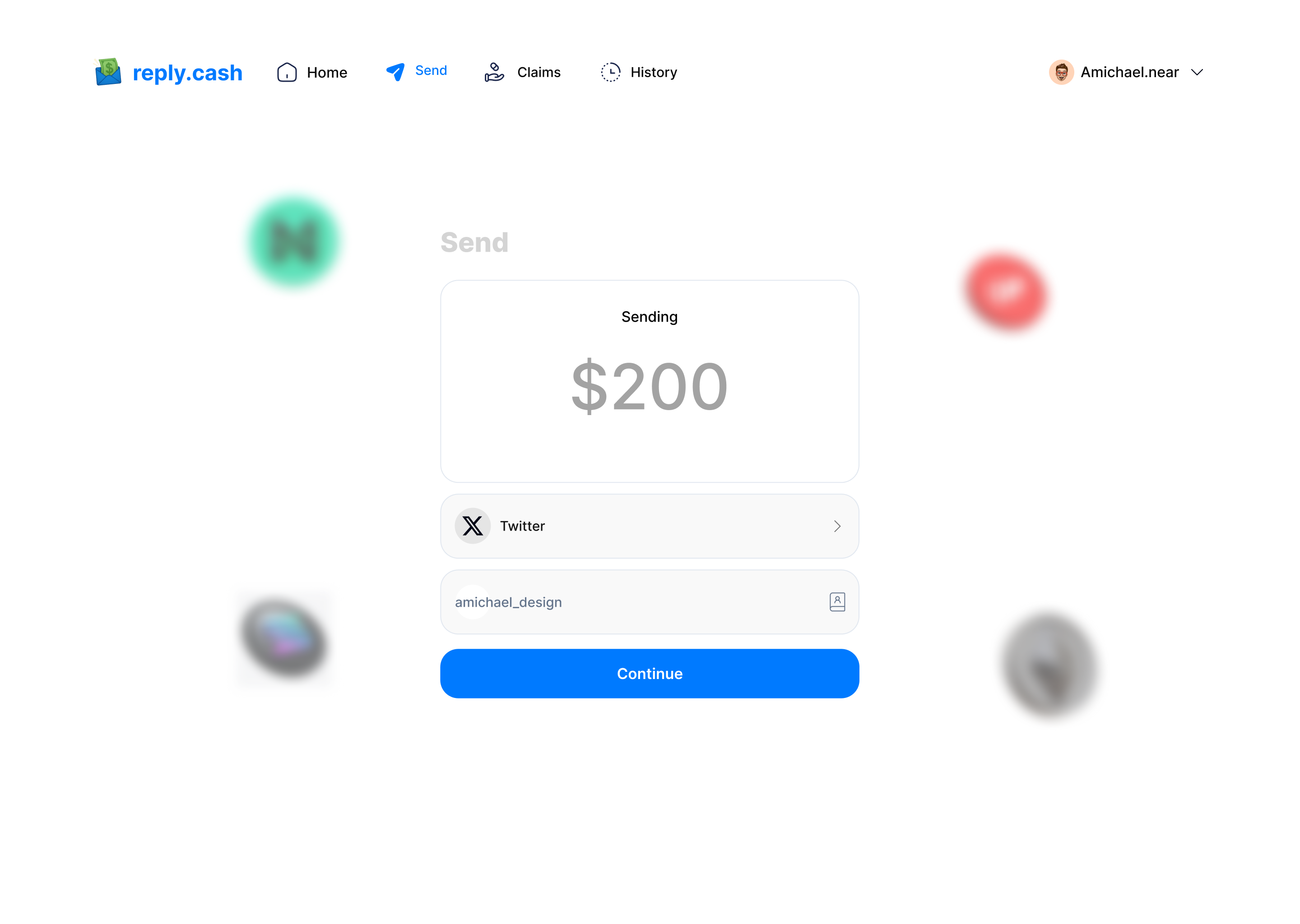
- Tap "Send" on the home screen.
- Select "Send to Mobile Money" or "Send to Bank".
- Choose the recipient's country.
- Select the payment method (e.g., M-Pesa, Airtel Money, MTN Mobile Money, or Bank).
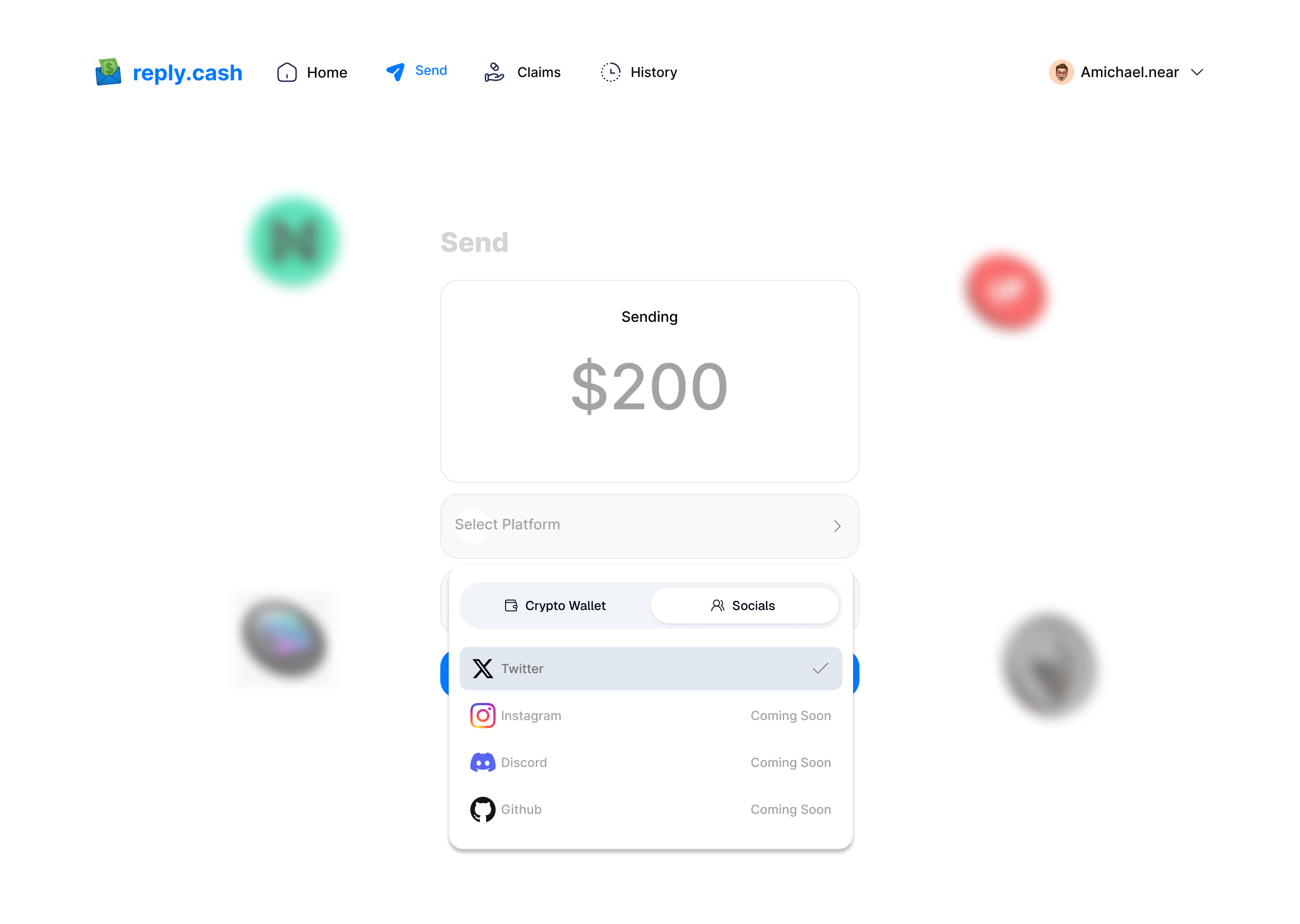
- Enter the recipient's phone number or account details.
- Enter the amount (automatically converted to local currency).
- Review and confirm.
- Authenticate using your PIN or biometrics.
- The recipient receives funds directly in their mobile money or bank account.
For detailed instructions by country, see:
- Sending to Kenya
- Sending to Nigeria
- Sending to Ghana
- Sending to Uganda
- Sending to Malawi
- Sending to DR Congo
Send to Wallet Address
For wallet-to-wallet transfers:
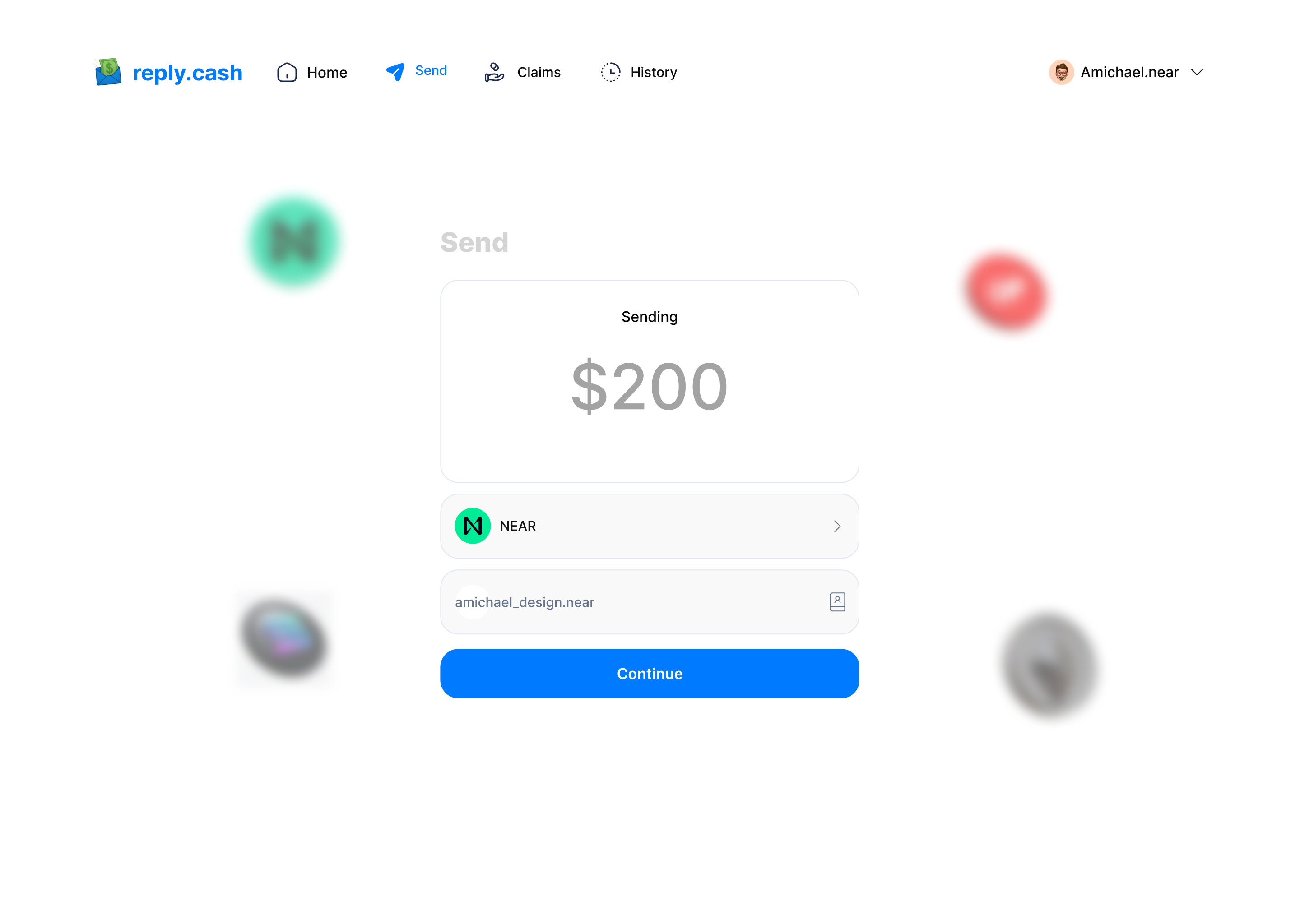
- Tap "Send" on the home screen.
- Select "Send to Wallet".
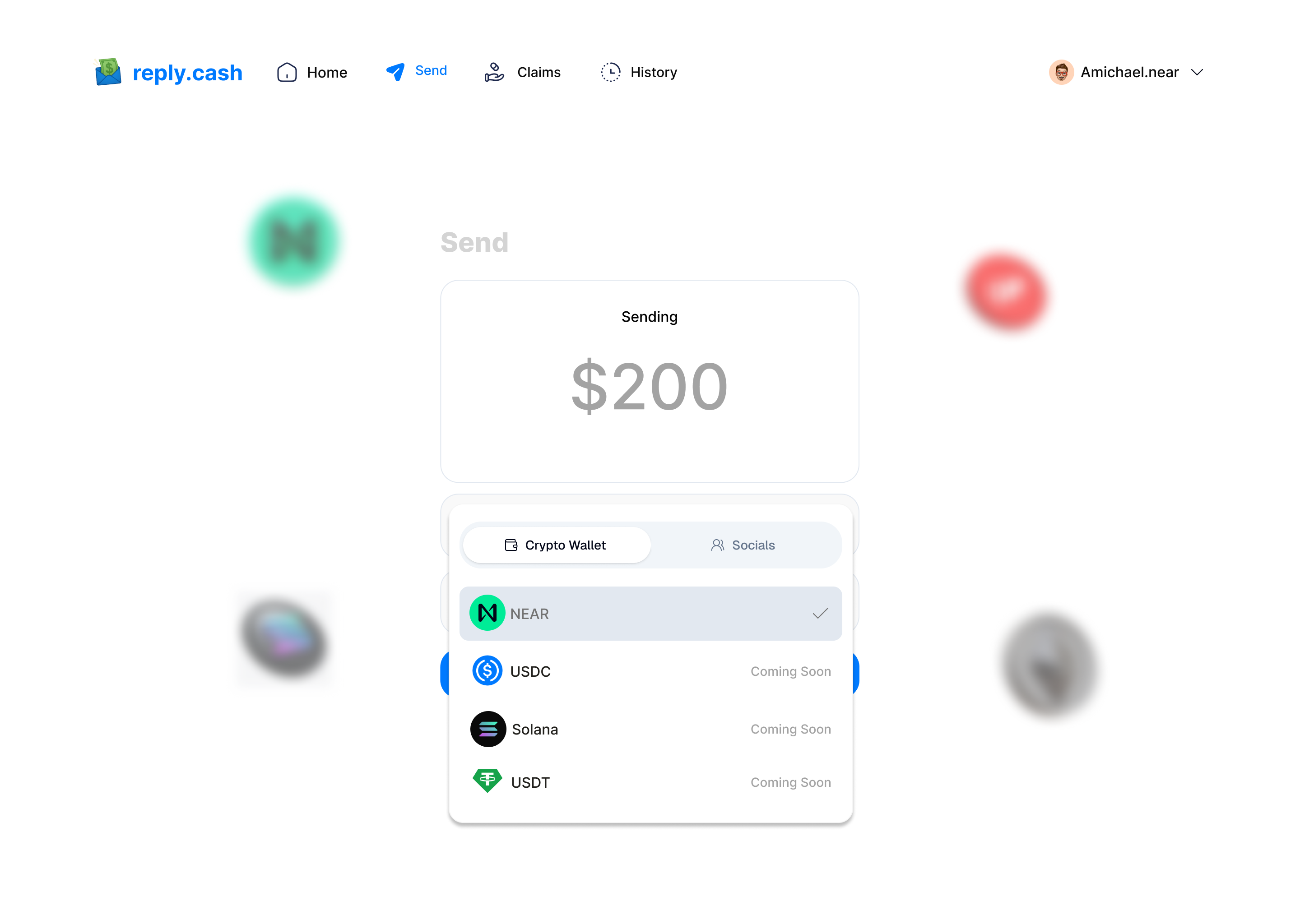
- Enter the recipient's wallet address or scan their QR code.
- Enter the amount.
- Review details and tap "Confirm".
- Authenticate using your PIN or biometrics.
- Wait for confirmation.
See Also
- 📖 Getting Started - Set up your wallet and get started
- 💰 Country-Specific Guides - Detailed guides for each country
- 🌍 Supported Platforms - All supported countries and payment methods
- ❓ FAQ - Common questions about sending payments
- 🔧 Troubleshooting - Fix common sending issues
- 📱 Receiving Money - Learn how recipients receive funds